Setting Up EDI 866 for Just-in-Sequence Delivery
Step-by-step guide to configuring, testing, and troubleshooting EDI 866 Production Sequence feeds for automotive just-in-sequence delivery.

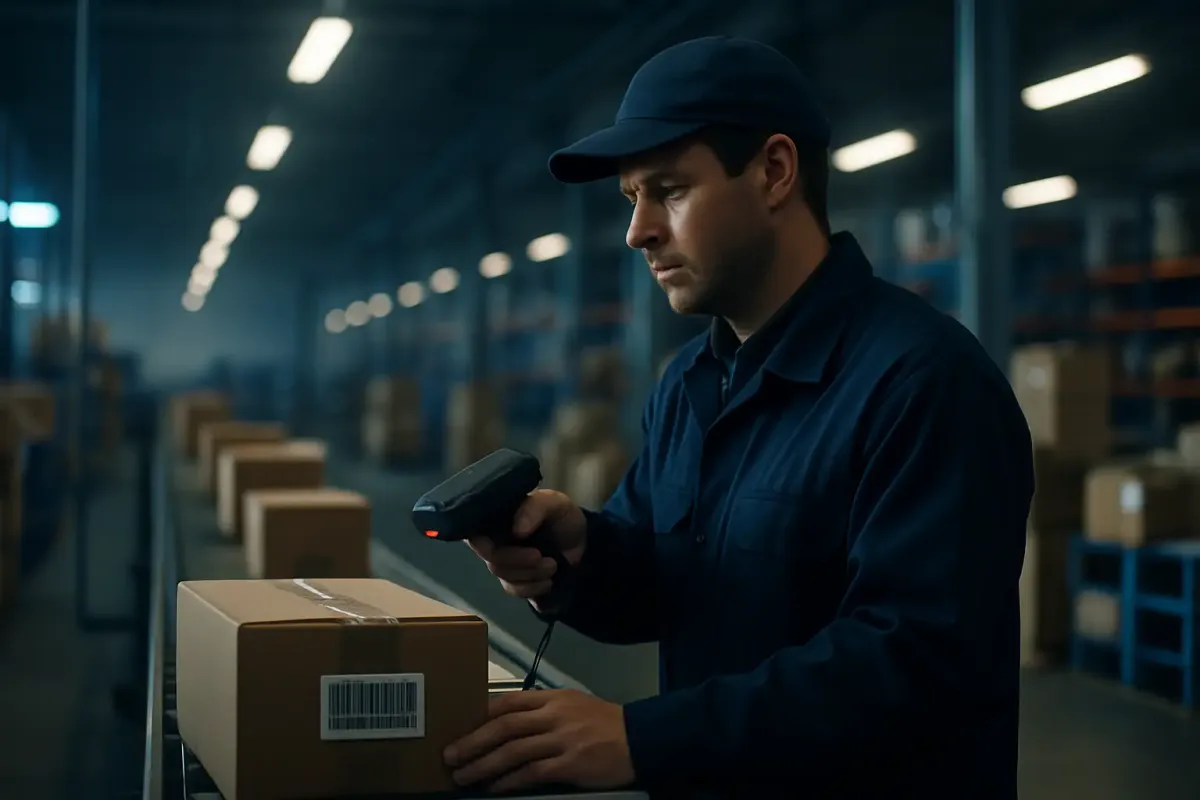
Setting up an EDI 866 production sequence feed from an automotive OEM is a different animal from standing up an 830 or 862. Get the mapping wrong on a planning schedule and you catch it in a weekly reconciliation. Get it wrong on an 866 feeding a just-in-sequence line, and you find out when a line-side forklift driver is holding the wrong seat for the wrong VIN with a 55-second takt clock running. This walkthrough covers configuration, testing, go-live, and the one failure mode that actually gets escalated to your plant manager's phone: sequence drift.
What the EDI 866 Actually Controls (and What It Doesn't)
The 866 tells a supplier the exact order parts must arrive in for line-side installation. It does not forecast demand and it does not authorize a shipment quantity on its own — those jobs belong to the 830 and 862. Automotive EDI centers on the 830 planning schedule and the 862 shipping schedule, with the 856 still doing heavy lifting at ship time, and the 866 sits downstream of both, carrying "the exact sequence parts must arrive in for line-side installation".
Structurally, the transaction is lean. The transaction set can be used to provide for the receiver of goods to request the order in which shipments of goods arrive at one or more locations, or to specify the order in which the goods are to be unloaded from the conveyance method, or both. Under the hood you're working with a BSS beginning segment for schedule context, an optional UIT unit detail segment, a repeating N1 loop for ship-to/ship-from identification, and a mandatory DTM loop that can repeat up to 100 times, each carrying its own nested LIN loop for item identification. One widely used implementation adds a PRS segment specifically to carry "the production sequence and release status that tell the supplier where in the build order the part belongs", with REF tying each line to a job number or VIN. If you've worked EDIFACT-side automotive programs, there's a direct bridge here: the equivalent UN/EDIFACT message is DELJIT used in just-in-sequence mode, often written DELJIT-JS, and both messages exist to communicate the same thing — sequenced line-side delivery requirements to a supplier. This is almost entirely an automotive construct, used for line-side parts like seats, cockpits, and painted panels that get loaded in exact vehicle build order, often loaded in reverse VIN order so that they are in sequence when delivered to the automotive assembly plant and ready for instant use on the production line.
Before You Start: What You Need
You need four things in place before you touch a mapping tool, and skipping any of them turns go-live into a fire drill.
- The OEM's own 866 implementation guide. Every automaker publishes a distinct spec with its own qualifiers and segment notes — there is no universal 866, only the X12 base standard that each OEM customizes.
- AS2 or VAN connectivity already live and tested with 997 functional acknowledgments running. If you haven't proven out that pipe, don't start layering a high-frequency sequence feed on top of it.
- A translator capable of handling repeating DTM/LIN loops at volume — SPS Commerce, TrueCommerce, Cleo Integration Cloud, and IBM Sterling B2B Integrator all handle this, but your mapping has to account for loops repeating up to 100 times per transmission.
- A downstream system that actually consumes the sequence for execution — a WMS or MES with pick-to-sequence logic, not a folder where 866 files land and wait for someone to open them.
Concrete example of why the guide matters: H-D will only accept ANSI X.12, Version 004010. No other versions of the ANSI X.12 will be accepted, and the trading partner setup requires specific values — Interchange ID Qualifier (ISA07): 01, Interchange Receiver ID (ISA08): 062629324, Application Sender's Code (GS03): 062629324. Submit a 005010 envelope or the wrong qualifier and the interchange gets rejected before anyone even looks at your sequence data.
Step-by-Step: Configuring the X12 866 Feed
- Pull the OEM-specific implementation guide and lock the version. Confirm the X12 version, functional group ID (SQ for production sequence), and qualifier values before writing a single mapping rule. Harley-Davidson fixes this at 004010; other OEMs run different versions entirely, so don't assume portability between trading partners.
- Build the inbound map segment by segment. BSS carries the purpose code and schedule dates (BSS01 as Transaction Set Purpose Code, 00 for Original or 05 to Replace), N1 identifies the ship-to and ship-from parties, the DTM loop carries delivery date/time windows, and LIN plus any sequence-detail segment carries the part ID and build-order position.
- Handle multi-location transmissions correctly. OEMs frequently batch multiple N1/DTM/LIN sets inside a single interchange, one per ship-to location. Your translator needs to split and route by location, not treat the whole interchange as a single flat sequence.
- Connect the parsed sequence to your WMS or MES pick-to-sequence logic. This is the step people skip when they're in a hurry. An 866 archived as a flat file protects nobody. The sequence number has to drive a physical pick instruction on the floor.
- Run partner testing in the OEM's test environment. Send and receive sample 866s, and confirm your system returns a 997 inside the SLA window — typically within the OEM's stated window, typically minutes to hours rather than overnight batch cycles.
- Cross-validate against the parallel 862 or 830 feed. The sequence detail in the 866 should never contradict the quantity already committed in the shipping schedule. If it does, that's a mapping bug, not an OEM data problem — chase it down before go-live.
- Cut over with a defined manual fallback. Keep a documented kanban or paper-sequence procedure ready for the first few production cycles in case the automated feed misbehaves under real volume.
How You Know It Worked
You don't need a dashboard full of vanity metrics here. Four checks tell you the feed is production-ready:
- 997 functional acknowledgments return inside the OEM's required window, not hours later.
- The physical pick sequence on the dock matches the LIN/PRS sequence numbers exactly, with no manual resequencing needed.
- No 824 Application Advice transactions flagging mismatched part or sequence data back from the OEM.
- The downstream 856 ASN you generate reflects the same order the 866 specified — if your ASN sequence drifts from the 866 that triggered it, something in your pick-to-sequence logic is out of sync.
Failure Mode: Sequence Drift During the JIS Window
The 866 you mapped last week isn't static. OEMs revise the production sequence repeatedly as the line schedule shifts, and a supplier's physical pick can fall out of sync with a newer 866 by the time goods are loaded. This is the single most common cause of JIS line stoppages, and it's worth understanding the mechanism before you try to engineer around it.
The industry term for the locked-in version of the schedule is the "pearl chain." This sequence is frozen several hours before actual assembly—typically about 4 hours—and communicated to JIS suppliers, a planned order known in the industry as the "pearl chain" (Perlenkette in German). Once that freeze happens, the OEM is not supposed to issue further sequence changes for that window. The Tier 1 supplier adjusts its production or picking to prepare the parts in the exact required order, either producing directly to sequence or pulling from inventory pick/pack to sequence. The practical fix is to build your process around that freeze point instead of reacting to every incoming revision:
- Implement a cutoff rule in your mapping logic — no sequence changes get accepted into your execution system past the OEM's published freeze window before ship.
- Log every 866 revision with a timestamp, including the BSS purpose code (00 Original vs. 05 Replace), so you can prove which version your pick was built against if a dispute comes up.
- Keep a manual re-sequencing or kanban fallback ready for the moment an 824 or ASN mismatch gets caught before trucks leave the dock — catching it there is cheap, catching it line-side is not.
The cost angle is why this gets escalated fast on the OEM side. JIS programs are built specifically to protect release-number continuity and JIT sequence windows so a missed 862 window never converts into five-figure line-stop penalties — and a sequence-drift miss on an 866 carries the same risk profile, because the whole point of JIS is removing buffer stock that would otherwise absorb the error.
Where This Connects to Transport Execution
The 866 solves exactly one problem: telling you the order parts need to arrive in. It says nothing about whether the truck carrying those parts actually leaves on time or takes the right route to hit the delivery window. That's a carrier execution problem, and it's where EDI data has to hand off to a transport management system that can trigger pickups automatically against schedule data rather than relying on a dispatcher checking a portal. Platforms like MercuryGate, SAP TM, Descartes, and Cargoson increasingly consume 830/862/866 data to automate that handoff, because once the sequence is frozen, the only thing left to break it is a late truck.
Quick Reference: OEM 866 Quirks
No two OEM 866 implementations look alike. Here's how two real published guides differ:
| OEM | X12 Version | Key Quirk | Structural Note |
|---|---|---|---|
| Harley-Davidson | 004010 only | H-D will only accept ANSI X.12, Version 004010. No other versions of the ANSI X.12 will be accepted | Fixed ISA07/ISA08/GS03 qualifier values per trading partner setup |
| Volvo Group (Mack & Volvo brand trucks) | Draft Standard for Trial Use base | This transaction set is utilized by both the Mack and Volvo brand truck groups | DTM loop structured to repeat per line-sequence change, not per vehicle |
Treat the generic X12.org 866 spec as a starting point, not an implementation-ready document. Every OEM layers its own qualifier values, loop usage, and schedule-type codes on top of the base standard, and the only way to know for certain is to read that specific partner's guide before you write a single map rule.
Next Steps
If you're standing up your first 866 feed, don't start with the mapping tool. Start by requesting the OEM's current implementation guide and confirming the X12 version in writing, then validate your AS2 or VAN connection with live 997s before a single production sequence segment hits your translator. Once that foundation is solid, the sequence-drift cutoff rule and revision logging described above should go into your runbook before go-live, not after your first line stoppage.