Setting Up EDI With Kroger, Step by Step
Learn how to set up EDI with Kroger: Webgate+ enrollment, required 850/875/810/856/824 transactions, ASN labeling rules, and the test-to-production steps.

Kroger runs a different EDI stack than the mass retailers most integration teams already know. If your team has onboarded suppliers to Walmart or Target, expect some surprises here: grocery-specific UCS transaction sets running alongside standard X12, a delivery metric that isn't OTIF, and a portal-driven setup process that varies by banner. This walkthrough covers how to set up EDI with Kroger from the initial New Partner Set-up Form through a live 856/810 cycle, with the specific transaction codes, labeling specs, and failure points your team needs to plan around.
What You Need Before You Start
Before touching the Kroger EDI portal, get three things settled internally: your assigned Kroger vendor number and banner (Kroger core, Fred Meyer, Smith's, Harris Teeter, and so on all run separate setups), a decision on connection method, and a completed New Partner Set-up Form.
On connection method, AS2 and VAN are both supported, but traffic must interconnect with IBM Sterling Commerce, Kroger's primary VAN, with named providers including SPS, TrueCommerce, and OpenText. If you don't have in-house EDI mapping resources, routing through an established EDI provider like SPS Commerce or TrueCommerce is usually faster than building direct AS2 connectivity from scratch. Both maintain pre-mapped Kroger transaction sets, which matters more here than with most retailers because of the UCS/X12 overlap described below.
One more thing worth flagging before you start mapping: the same supplier onboarding process usually surfaces a parallel need on the transport side. If your outbound shipments to Kroger DCs also need carrier tendering and tracking, a TMS like Cargoson (or comparable platforms such as MercuryGate, Descartes, or 3Gtms) sits upstream of the ASN data you'll be building in Step 3, and getting SCAC and carrier data right at the TMS level avoids a lot of the label and ASN mismatches covered further down.
The Onboarding Steps
Monitor 824 Application Advice and 997s once you're live
Once in production, the 824 is your early-warning system, not an afterthought. Set up daily monitoring of inbound 824s for both Warning and Fatal-level flags, and route Fatal errors to whoever owns EDI mapping on your side, not just to customer service. Build an escalation path to the Kroger EDI Coordinator for anything that repeats across more than one shipment; a recurring 824 error usually means a mapping bug, not a one-off data entry mistake.This is also the point where transport visibility upstream pays off. If your TMS is generating the SCAC, BOL, and trailer data that feeds your 856, keeping that system accurate prevents most of the 824 rejections tied to carrier data mismatches before they ever reach Kroger's EDI gateway.
Test before requesting production status, don't skip it because Kroger doesn't force you to
Here's the trap most new vendors fall into. After vendors have signed into Kroger's Webgate+ portal and set up their EDI account, Kroger automatically grants them EDI production status, meaning vendors can begin receiving EDI 850 purchase orders and start doing business with Kroger right away, without preliminary testing. That sounds convenient. It isn't. Skipping validation just means your first live PO is also your first test, and any ASN or label mismatch reaches the DC floor instead of a sandbox.Kroger's own documentation backs this up from the other direction: failure to test and complete testing to be in production is not a reason to not be EDI compliant by Kroger EDI business standards, and all testing and setup of EDI to be in production for EDI invoicing must be done within 60 days from your first PO. Treat that 60-day window as a hard deadline, run your own internal test cycle against sample POs before you flip to production traffic, and use a clean 997 functional acknowledgment on every inbound and outbound transaction as your signal that the mapping is structurally sound. A 997 confirms format compliance, not business-rule correctness, so don't stop there.
Build the 856 ASN to Kroger's hierarchy and labeling spec
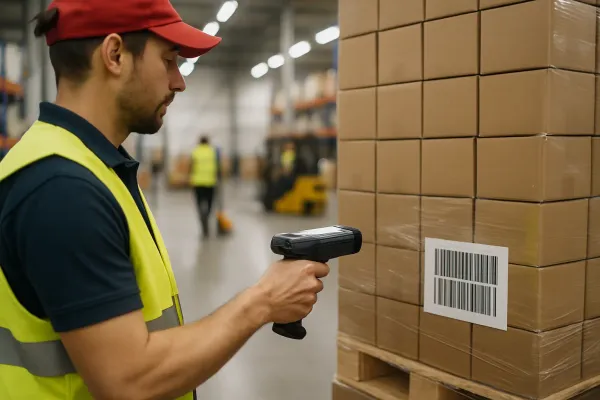
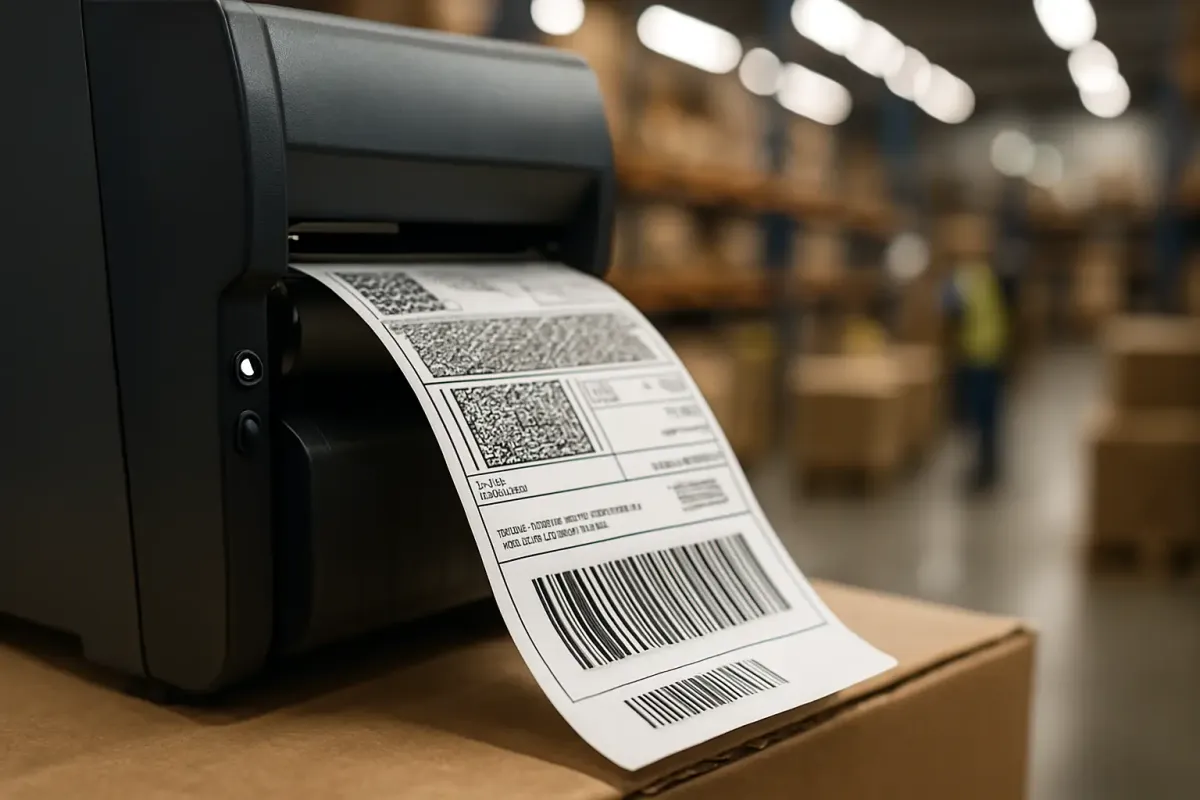
This is where onboarding projects lose the most time, and it's also where most chargebacks originate later. The Shipment, Order, Tare, and Pack levels of the ASN Hierarchy are required, and required shipment level data includes Standard Carrier Alpha Code (SCAC), Bill of Lading Number, Trailer Number, Ship-To DUNS + 4, Ship-From DUNS + 4, and Date Shipped. Kroger is explicit that the transportation fields aren't optional extras: this underscores the importance to Kroger of the transportation information: SCAC, Bill of Lading Number, and Trailer Number.On labeling, use GS1-128 (Code 128C) labels with an SSCC-18 matching the 856, with reported placement of the label upper-right of the pallet outside the shrink-wrap, using two identical labels on opposite sides. The SSCC-18 on the physical label has to match the SSCC-18 transmitted in the 856 exactly, down to the digit. If your WMS generates label serials independently from your EDI mapping layer, that's the first thing to reconcile before you ship a single test pallet.
Map the required transaction sets, including the grocery UCS variants
Kroger is a grocery retailer, so alongside the familiar 850/810 it uses the UCS grocery variants, the 875 Grocery PO and 880 Grocery Invoice, and vendors must also be able to accept the 824 Application Advice. The 875/880 pair isn't legacy cruft Kroger forgot to retire. Kroger requires most companies to accept via EDI, purchase orders (850 or 875), and application advices (824), and send invoices (810 or 880), so your mapping has to handle either format depending on which division or program you're set up under.
| Transaction | Code(s) | Direction | Notes |
|---|---|---|---|
| Purchase Order | 850 / 875 | Kroger → Vendor | 875 is the grocery UCS variant of the PO |
| Invoice | 810 / 880 | Vendor → Kroger | 880 references the 875 deal code; a separate 810 is required for every 850 since Kroger does not allow consolidated invoices |
| Advance Ship Notice | 856 | Vendor → Kroger | Required for all shipments; drives receiving |
| Application Advice | 824 | Kroger → Vendor | Vendor must be able to accept; flags data errors post-validation |
| Product Activity Data | 852 | Kroger → Vendor | Used in VMI/replenishment programs |
| Remittance Advice | 820 | Kroger → Vendor | Payment detail |
| DSD Delivery/Return | 894 | Vendor → Kroger | Direct-store-delivery only |
| Functional Acknowledgment | 997 | Both directions | Required for all inbound transactions |
Two behaviors worth mapping for explicitly: the 824 carries two severity levels, Warnings for minor issues where the document still passes, and Fatal errors where the document cannot be processed and must be corrected and resent, and a separate 810 is required for every 850, since Kroger does not allow consolidated invoices. If your ERP is used to batching invoices for other retailers, that logic needs an exception for Kroger specifically.
Submit the New Partner Set-up Form and get a Business Analyst assigned
Kroger's own onboarding guidance is direct about sequencing: once you have submitted or faxed your New Partner Set-up Form, contact the EDI Coordinator at the Kroger location you plan to do business with to begin the process, and new setups will be made in EDI version 5010. Don't skip the phone call or email to the coordinator after submitting the form. The form alone doesn't trigger a testing window; the coordinator assignment does.If you supply multiple Kroger banners, plan for separate setups. When approved for one store division you are approved for all store divisions in the EDI support area, though Fred Meyer EDI supports Fred Meyer Stores and Smith's Food & Drug separately from Harris Teeter EDI, which supports Harris Teeter Stores. This is the detail vendors coming from single-banner retailers most often miss, and it means your onboarding checklist needs a row per banner group, not one row for "Kroger."
Failure Mode: 856/810 Mismatch Triggers ORAD Penalties and Chargebacks
Vendors arriving from Walmart or Target compliance programs often assume Kroger scores delivery the same way. It doesn't. Kroger measures delivery with ORAD, not OTIF, and separates EDI setups by banner, and the ORAD on-time threshold rose from 90% to 93% effective January 1, 2025. That tightening happened quietly, and teams still benchmarking against a 90% internal target are already behind the current bar.
The financial exposure is specific and not negotiable after the fact. The reported EDI non-compliance fee, for example a paper invoice on an EDI PO or failing to set up EDI within 60 days, is 1% of invoice or $250 per transaction, whichever is greater. Separately, GS1-128 labeling failures carry their own penalty structure; Kroger charges $500 per non-compliant shipment when carton or pallet labels don't scan correctly at the DC.
The fix isn't complicated, it's just easy to skip under deadline pressure. Reconcile 856 quantities against the actual bill of lading before transmission, not after. Re-scan SSCC labels on a sample pallet before every new lane or new 3PL goes live, since label print quality drifts between print runs more than people expect. And treat the 824 as your first warning, not the chargeback notice that shows up weeks later on a deduction statement. By the time a chargeback posts, the shipment has already been received wrong; the 824 is the only signal that arrives early enough to still fix something.
Next Steps
Start by confirming which banners your vendor number actually covers, since that determines how many parallel EDI setups you're really running. Submit the New Partner Set-up Form and get your EDI Coordinator assigned before you write a single map. Then build your 856 test cycle around the exact hierarchy and label placement rules above, run it against real BOL data before you go live, and put 824 monitoring in place on day one rather than after the first chargeback shows up.